Site Setup
How to set up your website
Set Up
To set up a website, you will need the following tools:
-
 Text editor (I recommend Simple Text, or Notepad; or for more powerful editors Textmate, jEdit, TextWrangler, Smultron)
 -
FTP Client, like Cyberduck or Classic FTP
-
A server account --provided by the department on Dreamhost.
Your URL is http://yourname.nmdprojects.net
Your ftp is yourname.nmdprojects.net
WebFTP at: https://webftp.dreamhost.com/ -
Curiosity, creativity, playfulness, and effort.
Process
To create your first website do this:
-
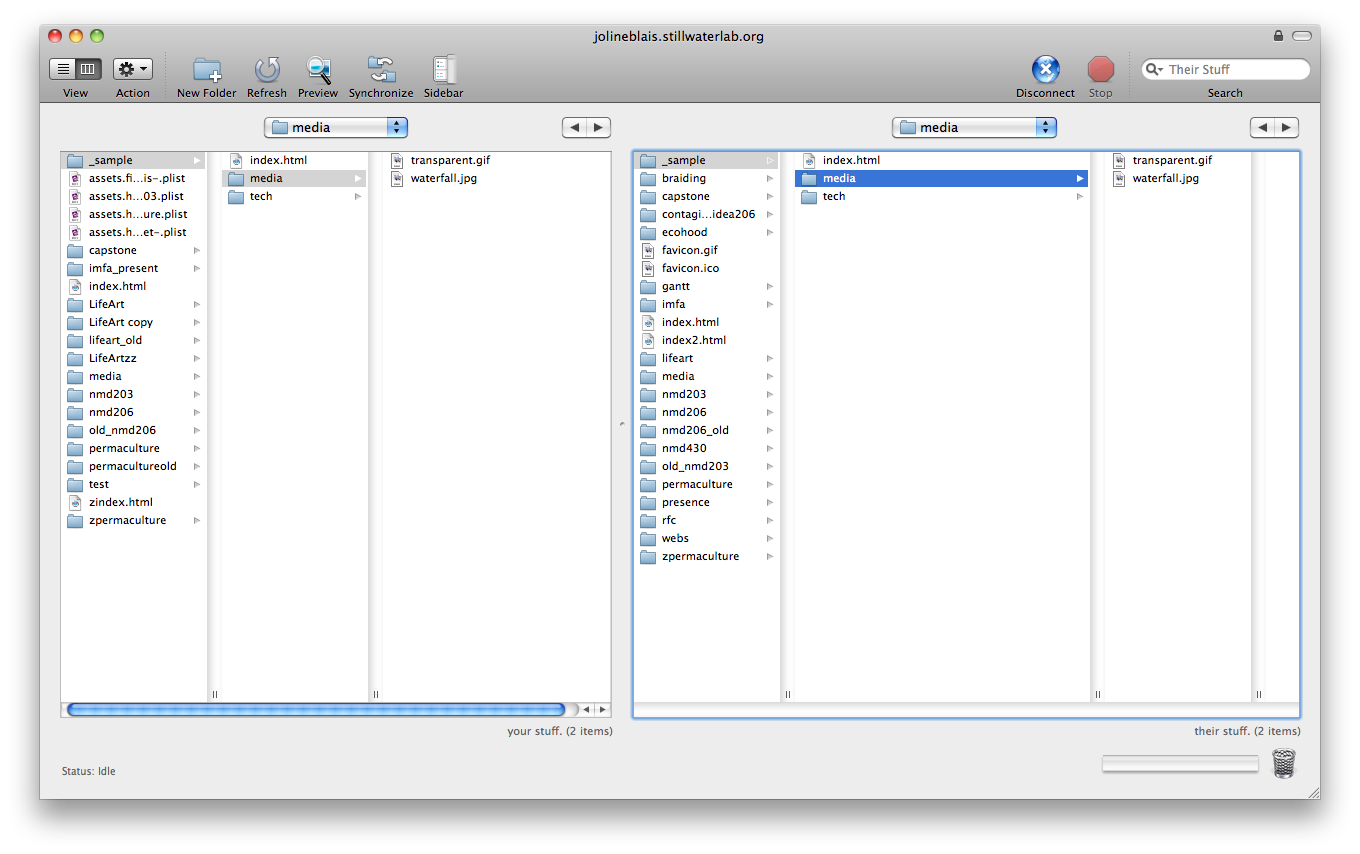
Create 3 folders: one called "nmd203" or "nmd206" (use lowercase, and NOSPACES for all html files and folders or browsers may not find your files); within that folder create two other folders called "media" and "tech". See this sitelayout.png
-
Download the 3 files from w3shcools "get started" into:
mainpage.htm
page1.htm
page2.htm -
Replace .htm suffix with html
-
Open your text editor. If you use Text Edit, set Preferences-->New Document-->Format--> to "Plain text" and then open mainpage.html
-
Customize the page with your own name, content; then save as "index.html"
Tips
-
Add any photo. video or media files you want to use on your website to "media" BEFORE you add the media to your website. This maintains proper file paths.
Helpful Tools
-
An image editor, like Photoshop (eventually)
-
Software and hardware for creating content: camera, scanner, recorder, iPod etc
