
My portfolio site: https://www.colinweed.com/
]]>
My contribution to the website consisted on organizing and planning the meetings with the client. Gathering all the information needed from the client. Creating a layout that works well for the both the site and the clients wants, making and adding any changes that the client desired.
]]>- Lots of back and forth communication with client
- I made a Homepage with a specific style for the client so they could see different options.
- Contributed to the final homepage as well as making some of the changes as they continued to come in over Email and during meetings, as well as some changes and updates to the header and footer as they came in (a lot of our work had to do with continually tweaking the design).
- I also created the landing pages for Our Impact Across Washington County, Across Maine, and Beyond New England, as well as the landing pages for Our Future Reaching Children, Reaching Farmers, and Reaching Those in Need. I used filler text and images so that Katherine and Marie can put their content in when they are ready.
- Overall I found this to be a great experience as it was my first time both designing a website, and working with a client in any capacity! I definitely got lucky with my group mates and it was nice to have such passionate clients.
Contribution:
- Pages:
- I created all of the pages, most of the work on the website as a whole was done the week of 04/18 – 04/8.
- I gathered all the documents from the original Town of Bradley site as well as the pictures and uploaded them.
- Design:
- I edited the photo used in the background, and set up all of the global settings as well as made the original logo transparent for the website.
- Tasks:
- We did not plan out who was to do what for the website ahead of time, but it also was not discussed after the work had been completed either. All communication was done over slack with teammates
Example Pages:
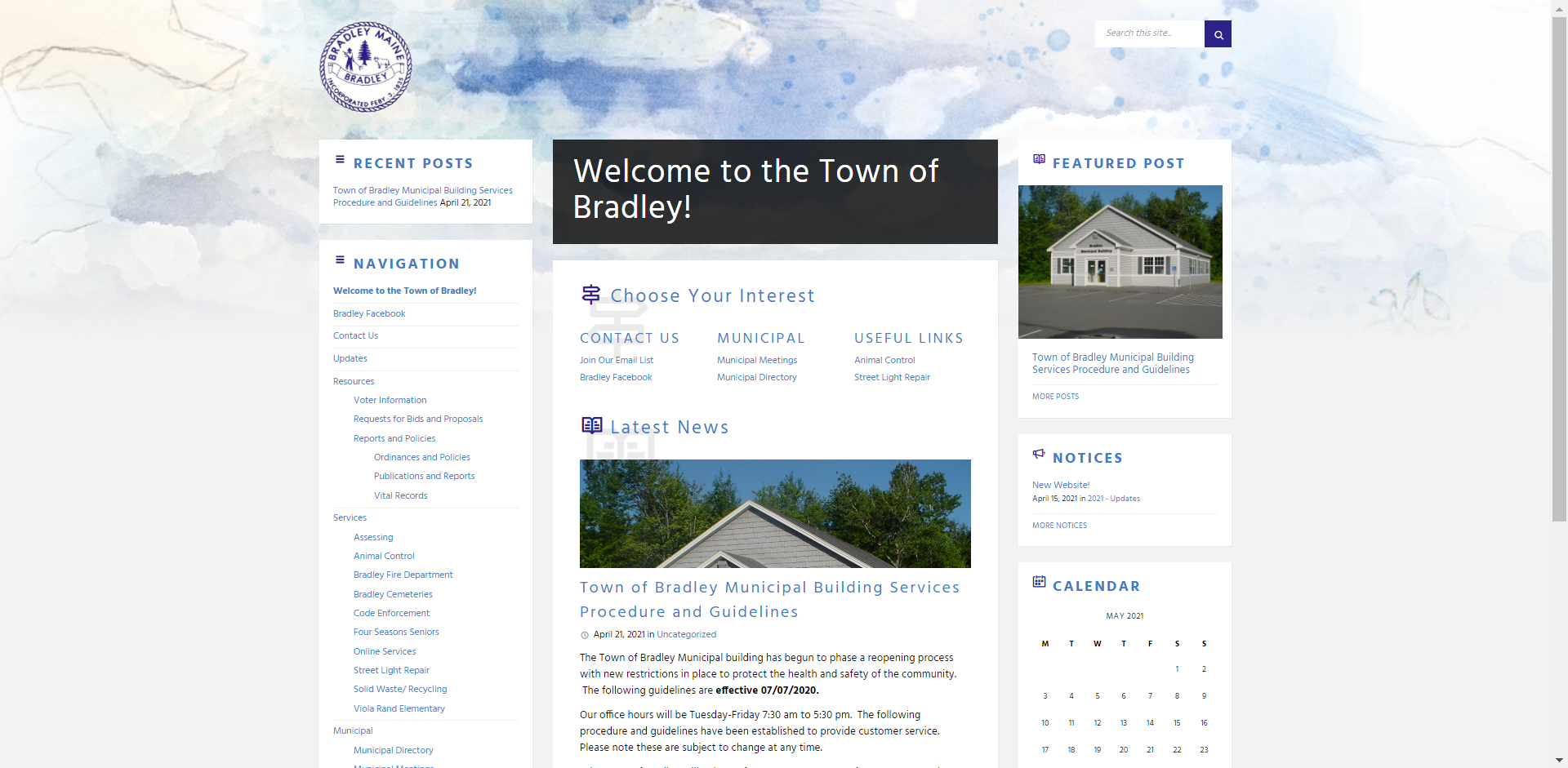
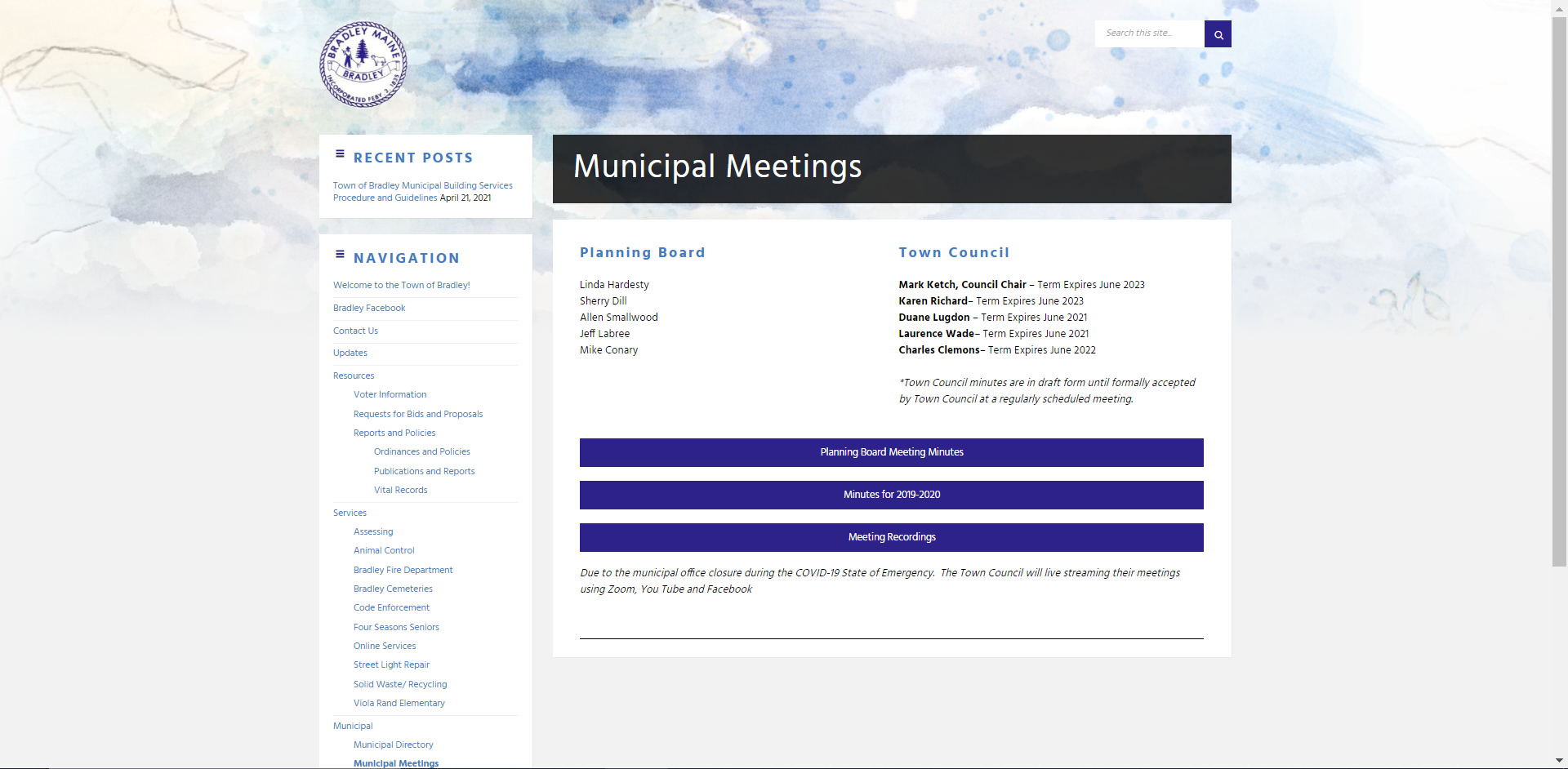
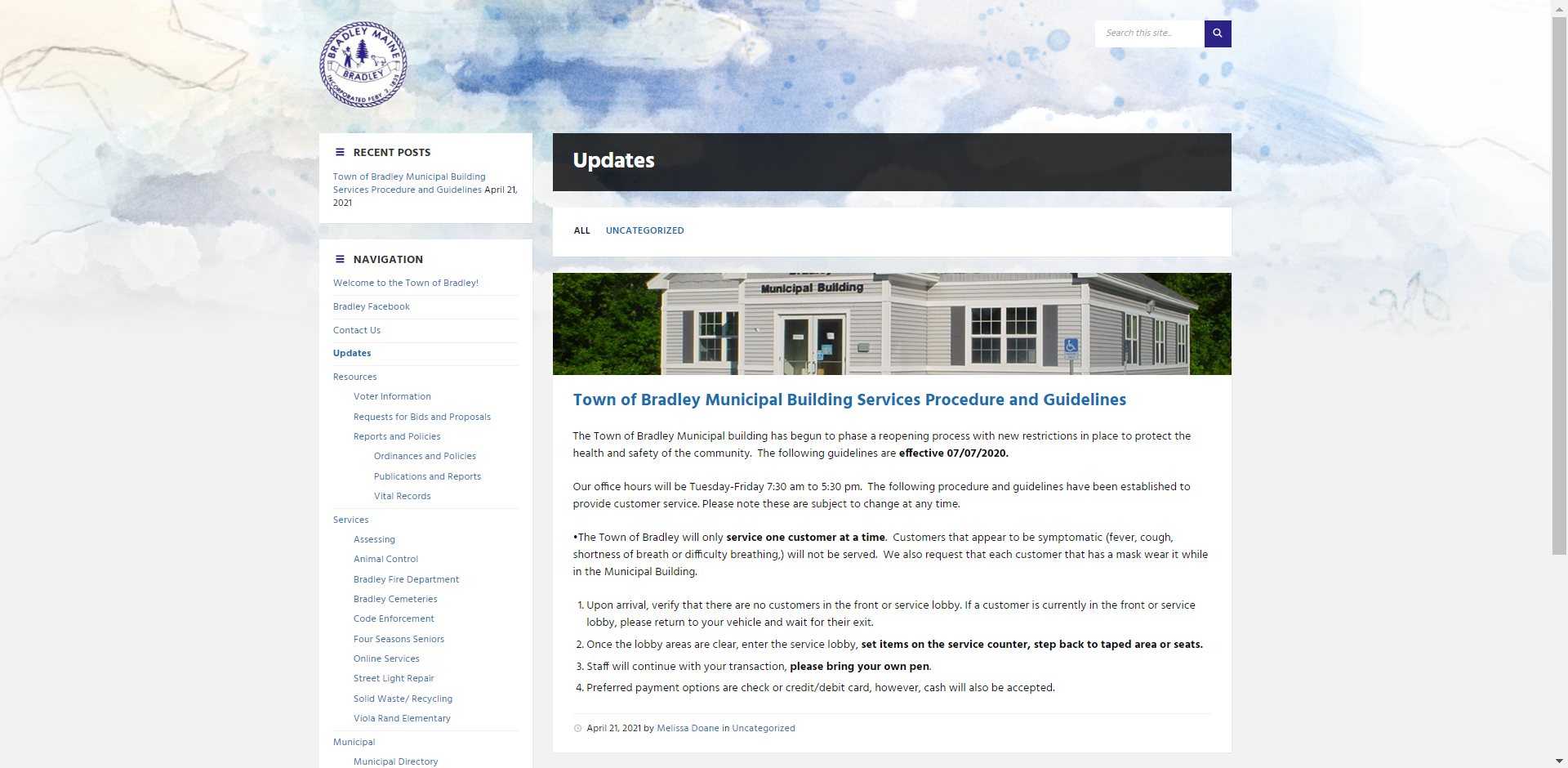
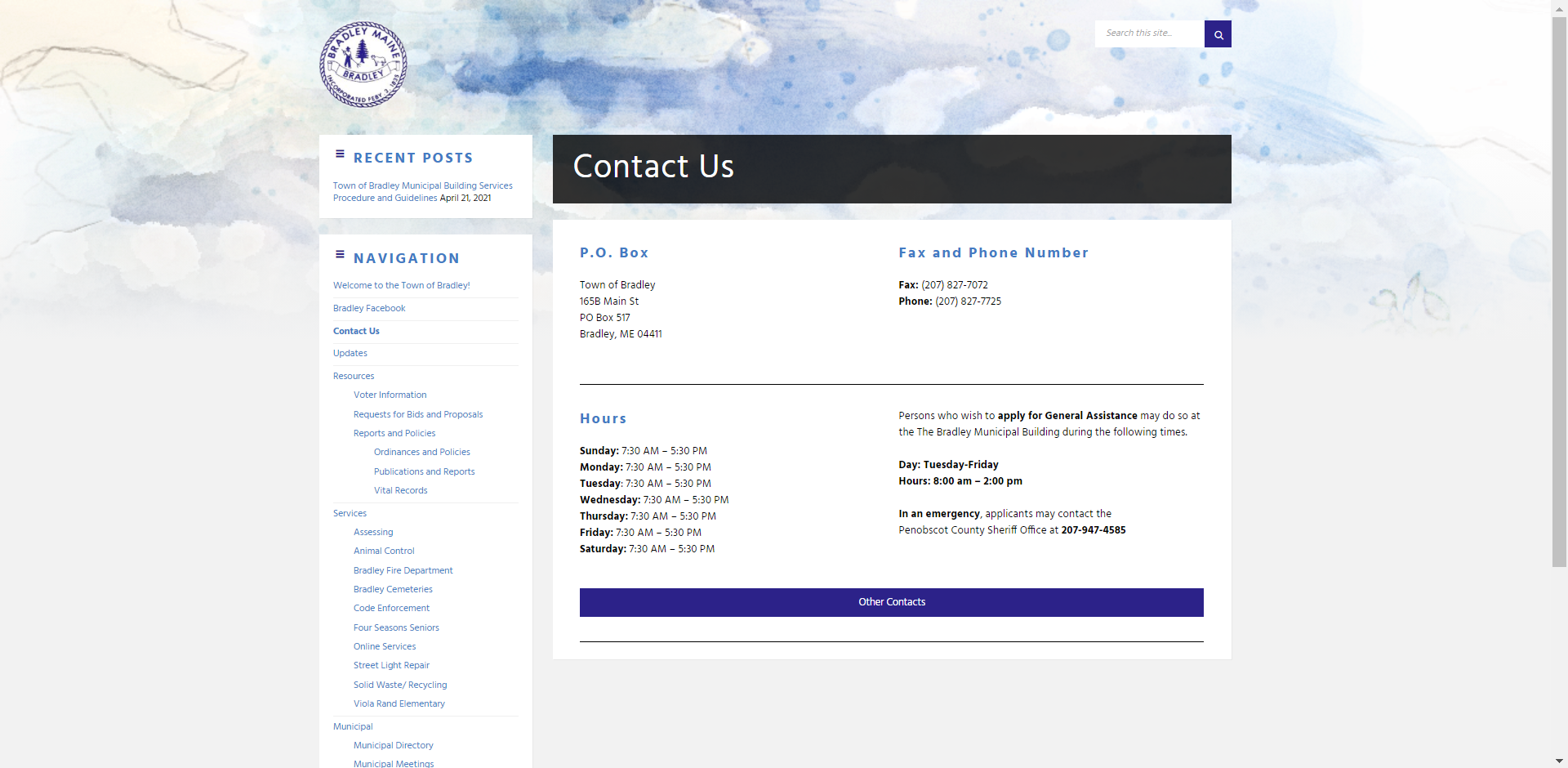
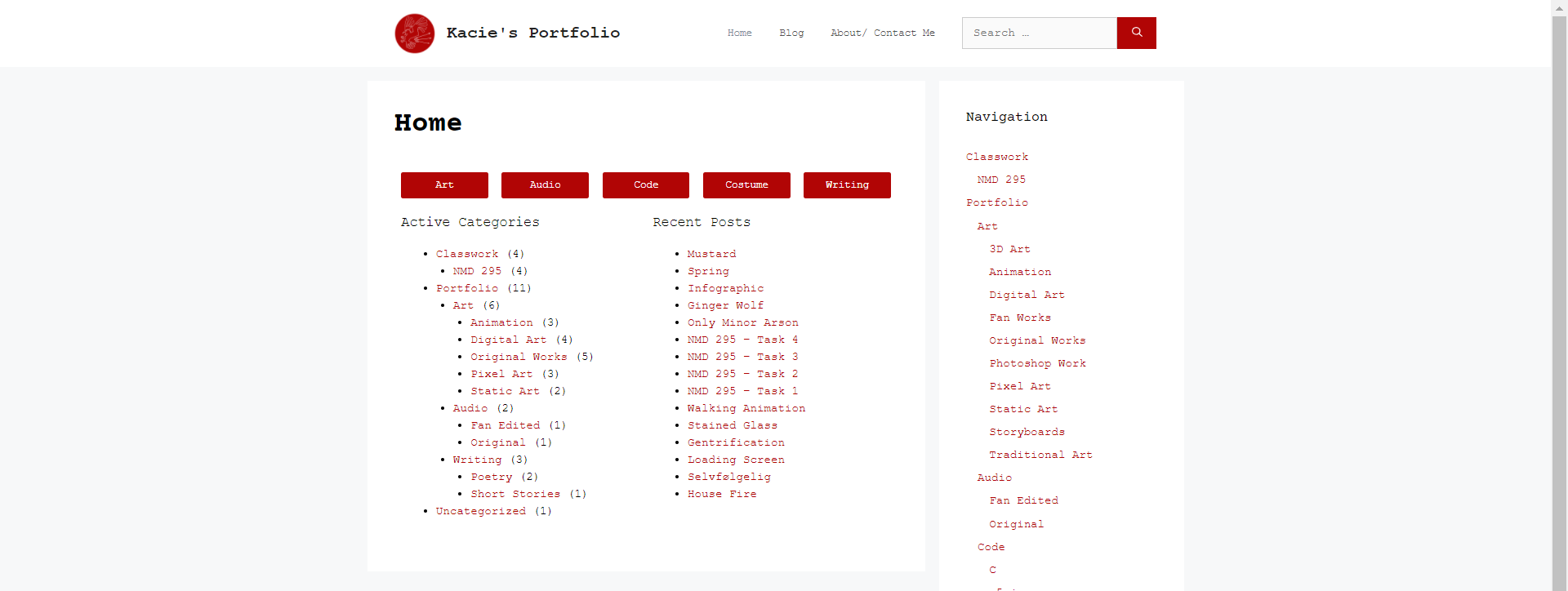
For our client site we. all worked together in the beginning to set up the bones of the site, we followed the wants and needs of our clients closely in terms of pages and color scheme, we used my client site for this. Once that was all set up we started to branch off and take certain sections of the site we were particularly interested in. For me that meant taking over the blog page. The clients had over 200 blog posts and weren’t ready to do a transition yet so I did not upload all 200 posts but I did go through and upload a good chunk of the posts with a different style, added cover photos and categories that I discussed with the clients. On top of making this sample blog page I also did research of different plug ins my clients could use once they decided to transfer their site, I added this research in an email I then sent to the clients. I also ran multiple weekly meetings.
]]>
 ]]>
]]>
]]>
Pages vs. Posts

If you’re new to WordPress you may be wondering what’s the big deal behind Pages and Posts. At first glance they appear to be one and the same: if you were to create either a new page or a new post you’d be presented with nearly identical interfaces and in many cases the public appearance of pages and posts will look the same.
Don’t let this fool you. There’s a very fundamental difference between the two and that difference is what makes CMSs, like WordPress, great platforms for integrating blogs with traditional websites.
Pages
Think about the kind of pages that make up a typical website. Most often you’ll see pages like “Home”, “About Us”, “Services”, “Contact Us”, etc. Within WordPress these are often treated as Pages; documents that have no particular regard for the time they were posted.
For example, when you visit the “About Us” page of your favorite company’s website you don’t expect the content to be very different from what was available there a week ago.
Posts
Now take a moment to think of your favorite news website. A news site is an ideal example of when you’d expect content to be different from the last time you visited — after all, news just wouldn’t be news if it weren’t current. In the case of news sites, Posts are most often used to write articles.
When you publish a post within WordPress it knows to treat the post differently than the way it treats a page. For example, when you enable a blog within your BoldGrid theme, it will list all of your published posts in reverse chronological order on your Blog page.
Your BoldGrid site can contain both pages and posts, i.e. you may have an “About Author” page to compliment your weekly blog. When done well, utilizing pages and posts in this way can help you build a more engaging experience for your visitors.
Categories and Tags

If you write about a variety of subjects, categories can help your readers find the posts that are most relevant to them. For instance, if you run a consulting business, you may want some of your posts to reflect work you’ve done with previous clients, while having other posts act as informational resources. In this particular case, you can set up 2 categories: one labeled Projects and another labeled Resources. You’d then place your posts in their respective categories.
Categories are accessible from the post editor. There you can create new categories and assign them to your posts.
Tags, on the other hand, allow you to label your posts with relevant topics. For instance, within one of your resource posts you may choose to write about a set of project management tools. While you can certainly create a new category called “Project Management Tools,” you may not plan to write about the topic often enough to justify giving it a dedicated category. Instead, you may want to tag your post with several topics that exists within the post; e.g. project management tools, communication, time tracking, etc.
What’s great about tags is that they are searchable and provide your users another way to find content on your site. Anyone searching for “project management tools” will be able to locate any posts you’ve tagged with those words!